

 Microsoft Windows
 Microsoft Office
 Music
Music Reading
 Streaming




How to Install Office After Buying Product Key: Easy 2026 Guide

Introduction
How to install Office after buying product key is simpler than most users think. Many people purchase genuine Microsoft Office licenses at discounted prices but feel uncertain about the activation process. This guide walks you through every step, ensuring a smooth installation and activation experience. Additionally, you’ll learn how to activate Office with purchased license quickly and securely. By the end, you’ll understand why purchasing from a trusted digital store like SpeedKey guarantees instant access, lifetime activation, and significant savings compared to retail prices.
What Is Office Product Key Activation?
A product key is a unique 25-character code that unlocks the full functionality of Microsoft Office software. When you purchase a genuine license, you receive this alphanumeric key via email, typically within minutes. The key verifies your ownership and connects your installation to Microsoft’s official activation servers. This process ensures you receive all security updates, feature enhancements, and technical support directly from Microsoft. Moreover, legitimate product keys provide lifetime activation on your designated device, eliminating subscription fees. Digital licenses have become the preferred method for businesses and individuals seeking cost-effective, permanent solutions. Unlike subscription-based Office 365, a one-time purchase key offers perpetual access without recurring charges. Furthermore, genuine keys protect against malware, data breaches, and software vulnerabilities common in pirated versions.
Step-by-Step Guide: How to Install and Activate Office
Follow these straightforward steps to successfully how to install Office after buying product key:
- Check your email for the product key. After purchase, you’ll receive an email containing your 25-character license key and download instructions. Verify the sender is legitimate and save this information securely.
- Download the Office installer. Visit the official Microsoft Office website or use the download link provided by your vendor. Ensure you’re downloading from authorized sources to avoid counterfeit software.
- Run the installation file. Double-click the downloaded installer and follow the on-screen prompts. The setup wizard will guide you through language selection, installation location, and component choices.
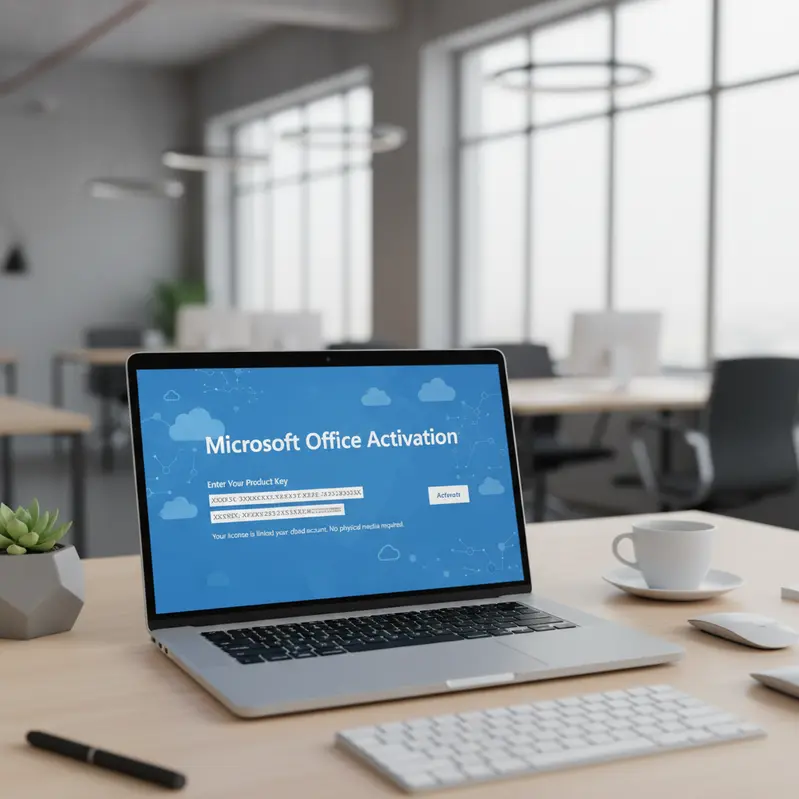
- Enter your product key when prompted. During installation, a window will request your 25-character key. Type it carefully, including hyphens, or copy-paste directly from your email to avoid errors.
- Complete the activation process. Once the key is entered, Office will connect to Microsoft’s activation servers. Within seconds, you’ll receive confirmation that your software is successfully activated and ready to use.
- Sign in with your Microsoft account (optional). Linking your license to a Microsoft account enables cloud features, OneDrive integration, and easier license management across devices.
Therefore, following these steps ensures a hassle-free activation experience with no technical complications.
Why Choose SpeedKey for Your Office License
SpeedKey stands out as a trusted digital products store offering genuine Microsoft Office licenses at unbeatable prices. When you activate Office with purchased license from SpeedKey, you benefit from:
- 100% genuine licenses: Every product key is sourced directly from authorized Microsoft distributors, guaranteeing authenticity and full functionality.
- Instant delivery: Receive your license key via email within minutes of purchase, eliminating waiting periods and enabling immediate installation.
- Up to 70% off retail prices: Access the same official software at a fraction of Microsoft’s standard pricing, making premium tools affordable for everyone.
- Lifetime activation guarantee: Your license remains valid indefinitely on your designated device, with no expiration dates or hidden renewal fees.
- Official Microsoft activation: All keys connect directly to Microsoft’s legitimate servers, ensuring compliance, security updates, and technical support eligibility.
- Dedicated customer support: Our expert team provides assistance throughout the installation, activation, and troubleshooting process, available via email and WhatsApp.
Indeed, purchasing from SpeedKey combines affordability with reliability, offering peace of mind alongside substantial savings.
Tips and Best Practices for Office Activation
Maximize your installation success with these expert recommendations:
- Verify system requirements before purchase. Check that your device meets Microsoft’s minimum specifications for the Office version you’re buying. Incompatibility issues can prevent proper installation.
- Disable antivirus temporarily during installation. Some security software may interfere with the activation process. Turn off antivirus protection until installation completes, then re-enable it immediately.
- Keep your product key secure. Store your license key in a password-protected document or secure note app. You’ll need this code for future reinstallations or device transfers.
- Use a stable internet connection. Activation requires online verification through Microsoft’s servers. A reliable connection prevents timeout errors and failed activation attempts.
As a result, following these practices ensures smooth installation and long-term software stability.
Frequently Asked Questions
Is the Office product key from SpeedKey legitimate?
Absolutely. SpeedKey sources all licenses from authorized Microsoft distributors and official volume licensing programs. Every key activates through Microsoft’s genuine activation servers, providing the same functionality, updates, and support as retail purchases. Furthermore, we provide purchase documentation and guarantee authenticity with a money-back policy if any activation issues arise.
How quickly will I receive my product key after purchase?
You’ll receive your Office license key via email within 5-15 minutes of completing your order. Our automated delivery system operates 24/7, ensuring instant access regardless of purchase time. However, during peak periods, delivery may take up to 30 minutes. Check your spam folder if the email doesn’t appear in your inbox immediately.
Can I install Office on multiple devices with one product key?
Standard retail keys typically allow installation on one device. However, certain volume licenses and home/student editions permit installation on multiple computers, depending on Microsoft’s licensing terms. Check your specific product description before purchase or contact our support team for clarification. Additionally, Office 365 subscriptions allow multi-device installations with a single account.
What happens if my activation fails?
Activation failures rarely occur with genuine keys but can result from internet connectivity issues or incorrect key entry. First, verify you’ve entered the code correctly, including all hyphens. Second, ensure your device is connected to the internet. If problems persist, contact SpeedKey’s dedicated support team immediately. We’ll troubleshoot the issue or provide a replacement key if necessary, backed by our satisfaction guarantee.
Conclusion
Understanding how to install Office after buying product key empowers you to access premium Microsoft productivity tools at affordable prices. By following the straightforward installation steps outlined above, you’ll activate your software within minutes and enjoy lifetime access without subscription fees. Moreover, purchasing from SpeedKey guarantees authenticity, instant delivery, and substantial savings compared to retail channels. When you activate Office with purchased license from a trusted vendor, you invest in reliability, security, and ongoing support. Don’t wait—secure your genuine Office license today and experience seamless activation backed by our satisfaction guarantee. Take advantage of limited-time offers and unlock your productivity potential right now!
Questions about the license or activation process? We are here to help you get set up fast. Plus, enjoy an exclusive 30% off all products when you order through WhatsApp! Chat with us directly on WhatsApp


